# Activating Your LanSchool Air Account
**First you will need to request an invitation link from the Tech Office - please [submit a helpdesk ticket](http://helpdesk.calschools.org/helpdesk/WebObjects/Helpdesk.woa/wa) for this.**
Once you receive the LanSchool Air invitation link via email, choose to sign in using your Google account, and select your Cal email account.
[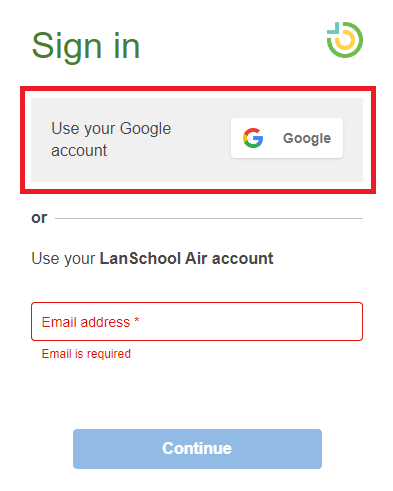](https://ccskb.calschools.org/uploads/images/gallery/2023-11/image-1699286274757.png)
You can log into LanSchool Air at this URL: [https://lanschoolair.lenovosoftware.com/](https://lanschoolair.lenovosoftware.com/)