Carousel
Editing Digital Signage Bulletins
How to change the content displayed on Carousel Digital Signage
1. At the top of the screen, select the "Zone" that you would like to edit.
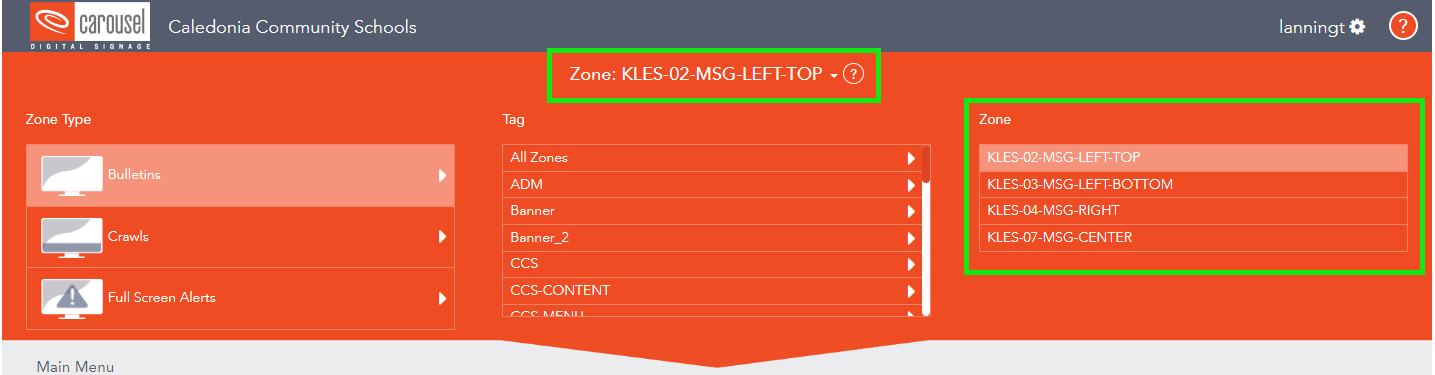
2. Choose "Bulletins".
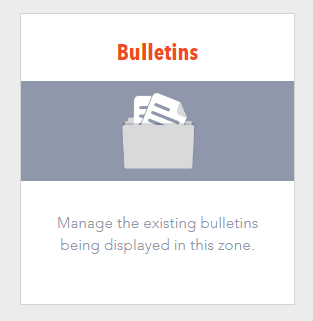
3. Select the bulletin that you would like to edit.
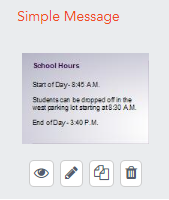
 = Preview
 = Edit
 = Duplicate
 = Delete
4. To change the content's text, edit the text fields on the right side under "Content".
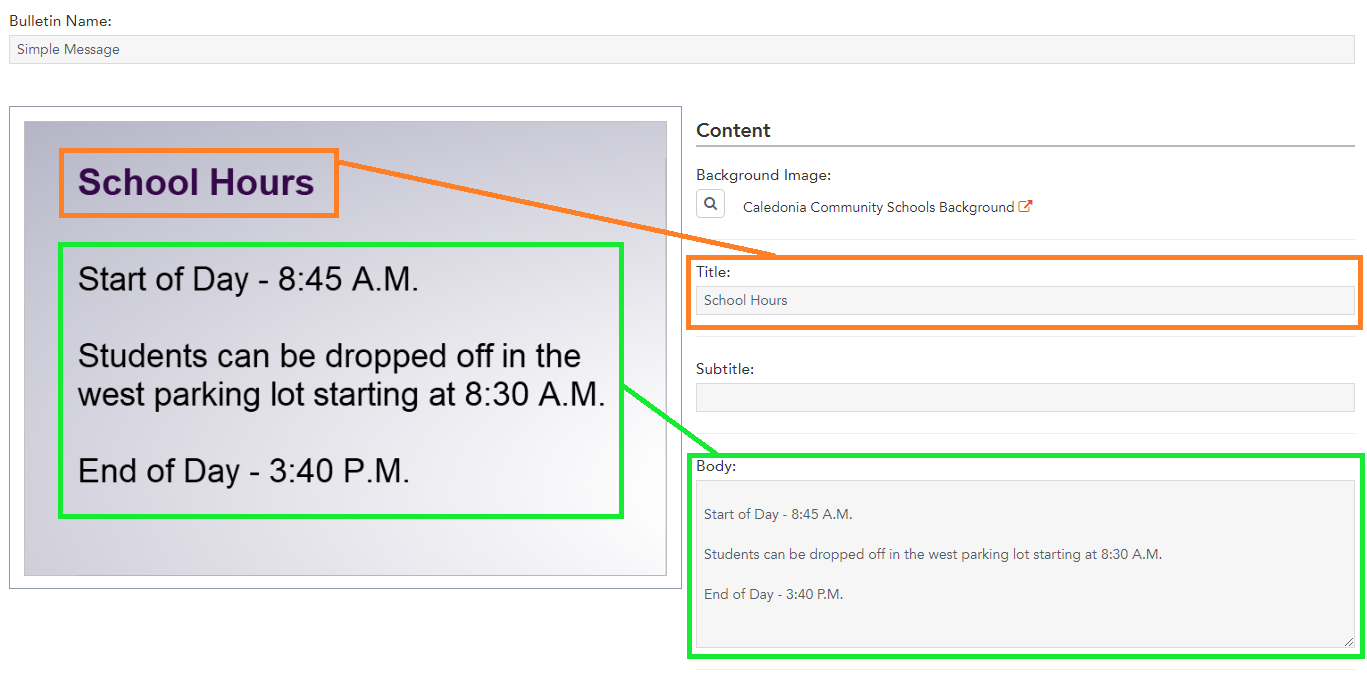
5. To save the changes made, click "Publish" at the top-right.

Uploading Images To A Zone
How to upload images to be displayed in a certain Zone
1. At the top of the screen, select the "Zone" that you would like to edit.
2. Select "Bulletins".
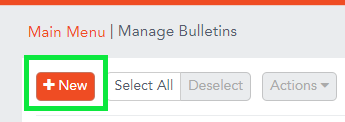
3. Select "+New".
4. Select "Uploaded", and then "browse to upload".

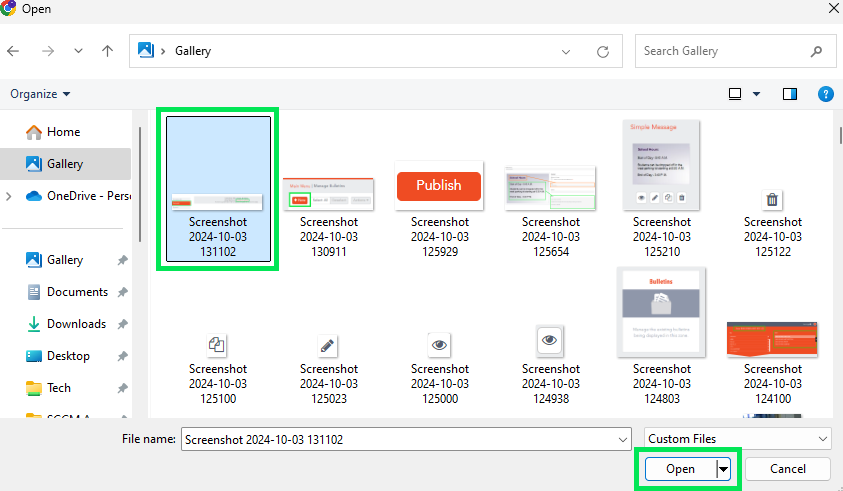
5. Navigate to the save location of your image, select it, and click "Open".
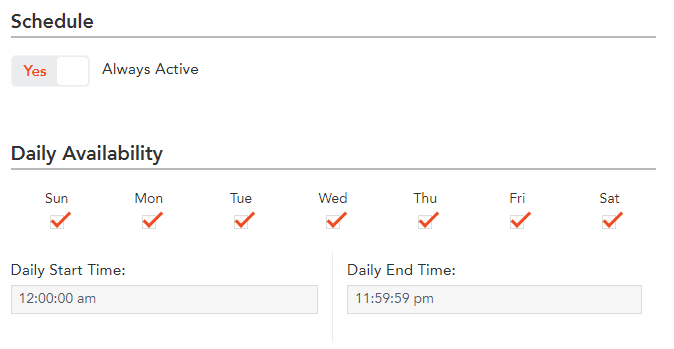
6. By default the new Bulletin will alway be active, if you want to change it, adjust the schedule as neccessary.
7. To save the changes made, click "Publish" at the top-right.
