Use your normal network credentials to login
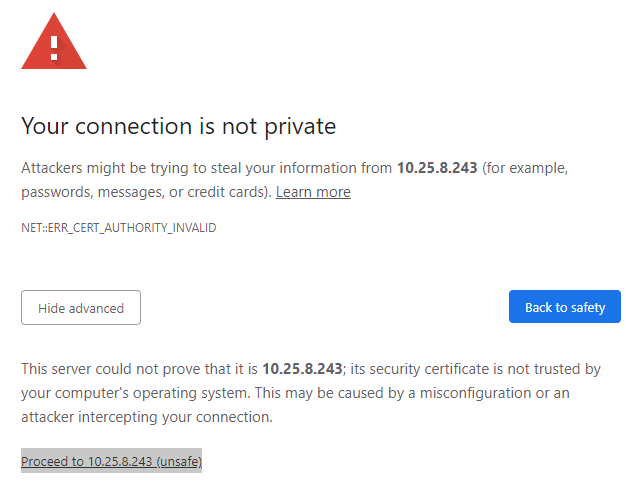
If you get a "**Your connection is not private**" message click on the **Advanced** button and then click on the **Proceed to 10.25.8.243 (unsafe)** link. This is an internal server and is safe.
[](https://ccskb.calschools.org/uploads/images/gallery/2022-09/connection-not-private.PNG)# Change Voicemail PIN Login to the [Cisco Personal Communications Assistant](https://ccskb.calschools.org/books/cisco-personal-communications-assistant/page/login-to-the-cisco-personal-communications-assistant) - Select **Messaging Assistant** - Select **Change PIN** from the **Passwords** dropdown message - Enter **New PIN** - **Confirm New PIN** - Click on the **Save** Button