Login to the Mobile App
You login to the mobile app with SSO using your Caledonia Google Workspace credentials
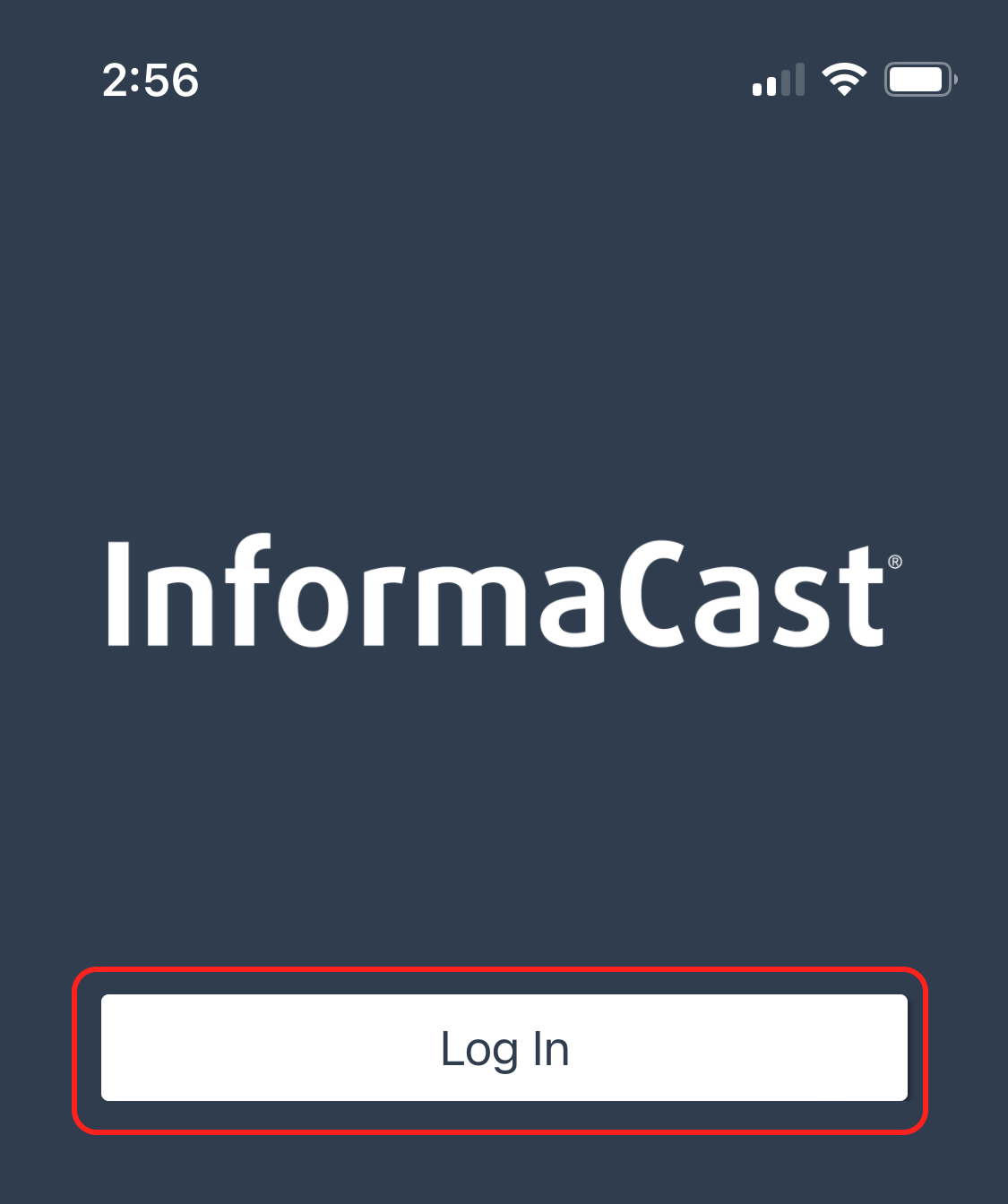
Open the Informacast mobile app and tap on the Log In button
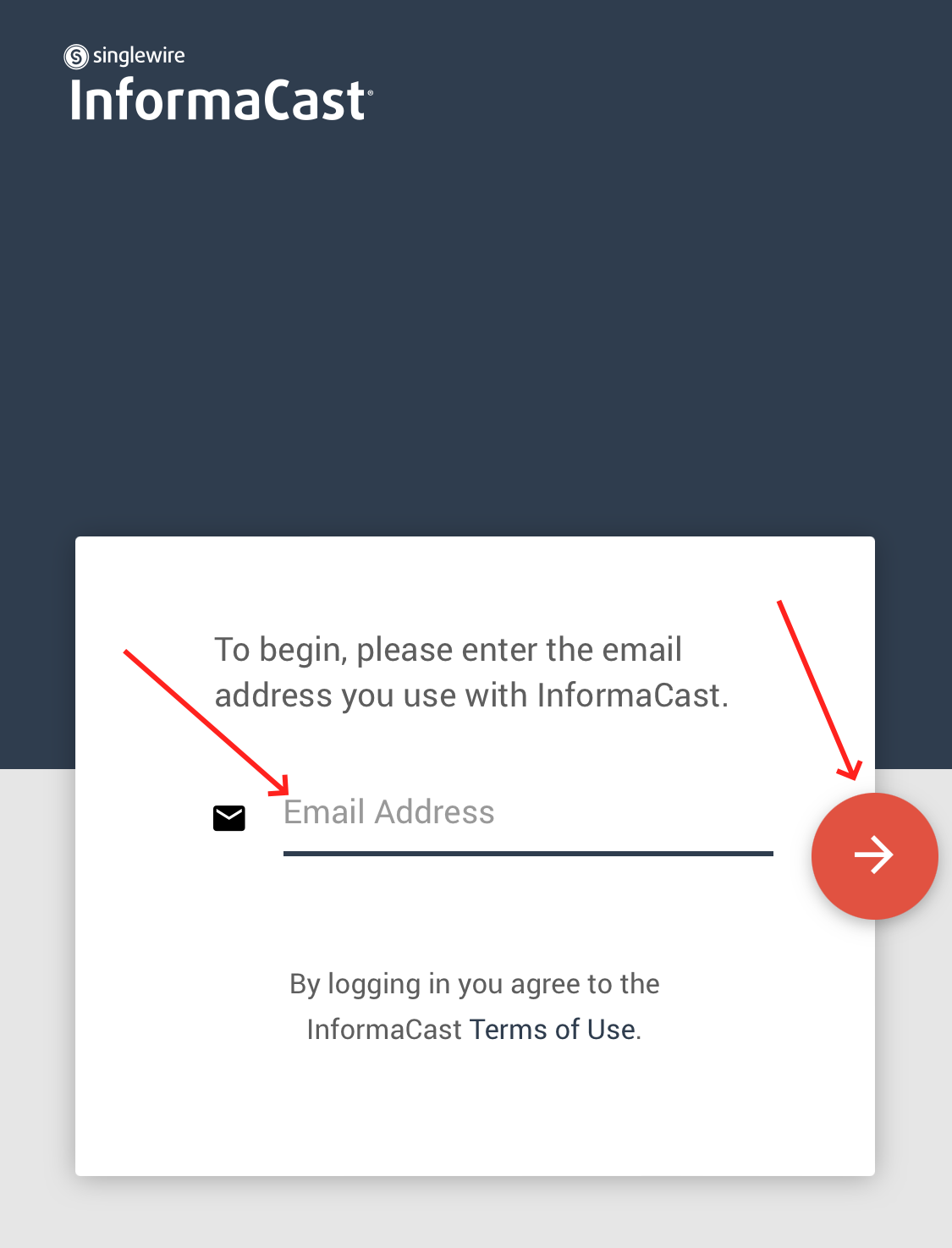
Enter your Caledonia Google Workspace email address and tap on the red continue button
Note: You might need to select the correct Google account and enter your password